Hyperfixation No. 11Cosmic
Automate the boring stuff to have more time to draw
How to automate repetitive design tasks (exporting, renaming, resizing, scheduling) and use AI as an assistant to win back time for creative work.
SoundtrackComputer Love · Kraftwerk
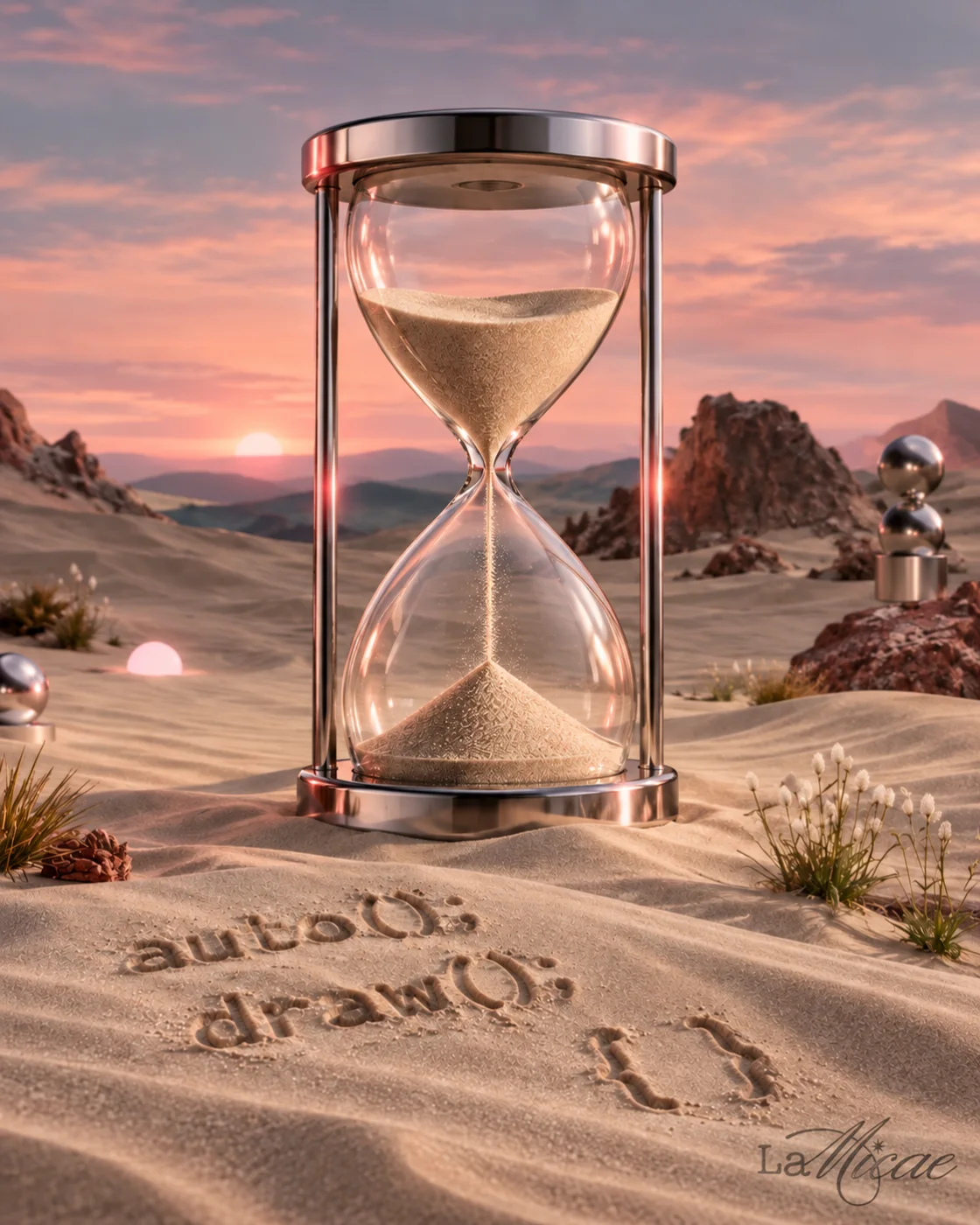
I like code almost as much as drawing. And I found out that together they do something wonderful: code can take care of the boring stuff so I have time left to draw. This post is practical, so save it.
The inventory of the repetitive
Before automating anything, I make an honest list of the tasks I repeat every week. Mine are usually these:
- Exporting the same piece in five sizes for social media.
- Renaming and organizing a project's files.
- Converting heavy images to web formats like WebP.
- Writing the first draft of an email or a brief.
- Scheduling posts and updating the content calendar.
For this very portfolio, for example, we converted multi-megabyte images into web versions of a few hundred kilobytes in a single pass. What would have taken an afternoon took minutes.
Automating isn't working less: it's working on what matters.
The key question: judgment or patience?
Every task on the list goes through a filter: does this need judgment or just patience? If it needs judgment (choosing a palette, deciding on a concept, adjusting a logo's kerning), it's mine. If it only needs patience, it's a candidate for automation.
Tools, from simplest to most powerful
- Actions and batches in Photoshop or Illustrator for export tasks.
- Figma plugins to rename layers, generate variants or export in bulk.
- Small scripts in JavaScript or the terminal to convert and sort files.
- Automations between apps (forms, emails, calendars) with workflow tools.
- AI assistants to research, summarize references and write first drafts.
Measure the time you win back
An automation is only worth it if it gives you time back. Write down how long a task took before and how long it takes after. That number is your argument to keep automating, and also to charge better for what does need your judgment.
A note on ethics
AI doesn't replace the craft: it amplifies it. What I never delegate is the eye, the concept and the responsibility for what I publish. The machine can sort the files; the idea is still mine.
If you want help finding what to automate in your design or development workflow, I offer AI consulting and process automation. Meanwhile, I'm off to draw.
Takeaways
In short
- Take an inventory of repetitive tasks before automating.
- Filter every task: if it needs judgment it's yours; if it only needs patience, automate it.
- AI is for drafts; voice, concept and responsibility aren't delegated.
La Micae · Design from Medellín
What if this hyperfixation became your next project?
Branding, web design and development, editorial design, illustration, social media, and AI and automation consulting.